
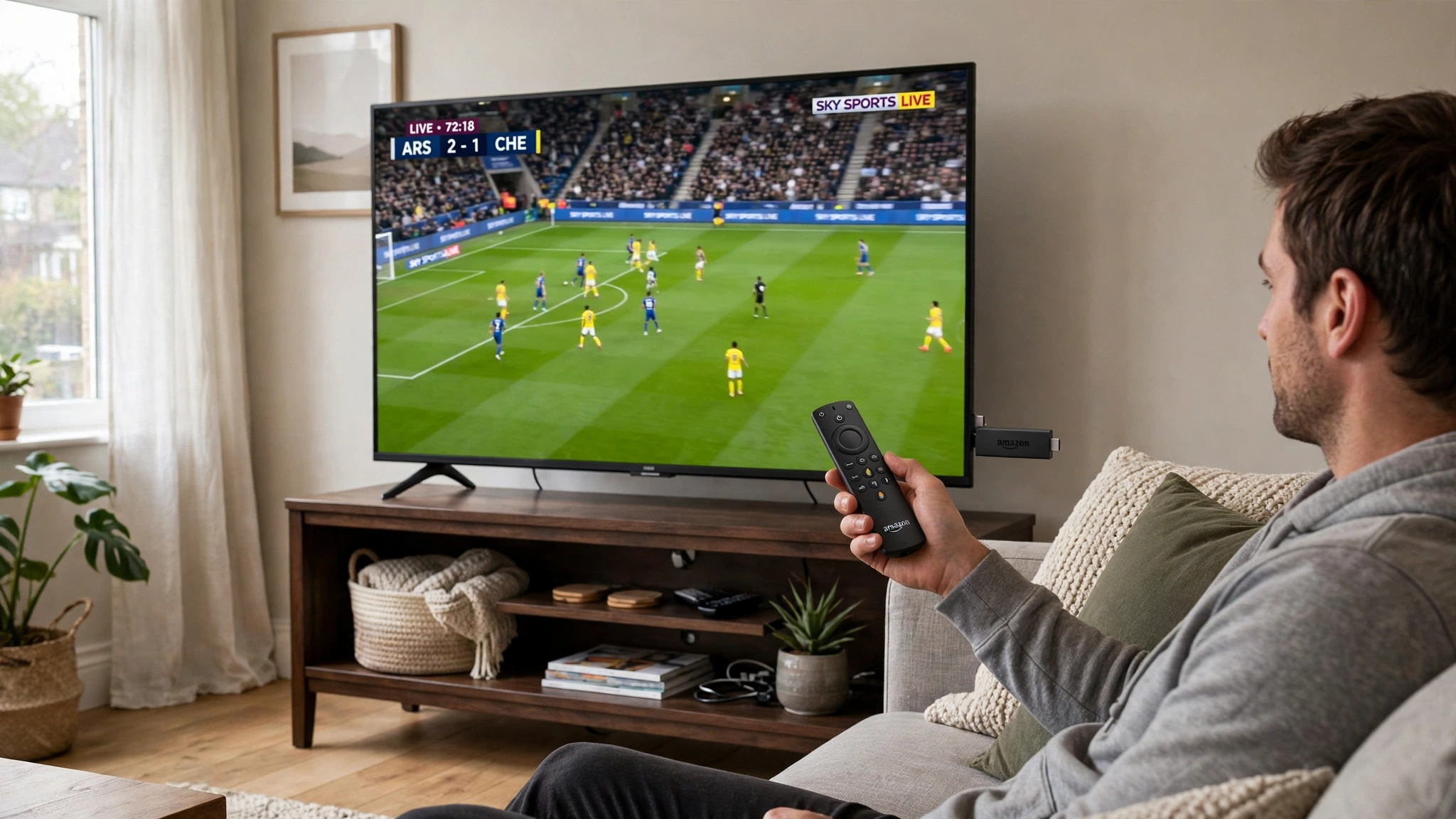
TiviMate IPTV Player: Features, Setup & Best IPTV (2026)
The TiviMate IPTV player is the app that turns a plain playlist into proper television: a fast TV guide, tidy categories, catch-up, recording and multi-view on the big screen. It is the player most Firestick and Android TV owners settle on — and the most misunderstood, starting with one fact: it includes no channels.
This pillar guide covers the player end to end: what it is, whether the “app” and the “player” are the same thing, how it runs on Android and Firestick, how to use it day to day, how it compares with rival players, and which IPTV service to pair with it.
1 month $19.99 · 3 months $39.99 · 6 months $59.99 · 12 months $99.99 (1 device)
First, the facts. TiviMate is an IPTV player app developed by AR Mobile Dev (Armobsoft FZE) for Android TV, Google TV, Fire TV and Android devices. It contains no channels of its own — you add a playlist from a provider such as 4K Media TV. The free version plays one playlist, while Premium, at about $9.99 a year or about $33.99 for a lifetime licence on up to five devices, unlocks multiple playlists, catch-up, recording and multi-view. Official details are on tivimate.com.
What Is the TiviMate IPTV Player?
TiviMate is a player, not a service. You give it a playlist — an M3U link or Xtream Codes login from your provider — and it organises everything into a television experience: a grid guide with logos and programme descriptions, channels sorted into categories and favourites, and playback handling HD, FHD and 4K streams and subtitles.
That separation is the player's strength. Because TiviMate has one job, it does it better than bundled all-in-one apps: the guide is faster, search works across tens of thousands of channels, and recording and multi-view are built for heavy live-TV viewers. Our complete TiviMate IPTV setup guide covers the full configuration.
TiviMate IPTV App or TiviMate IPTV Player — Is There a Difference?
None at all. On Google Play the listing is called “TiviMate IPTV Player”, so half the world searches for the TiviMate IPTV app and the other half for the player — both mean the same application from Armobsoft FZE. There is no separate app or player edition.
The confusion carries one real risk: copycats. Apps with similar names trade on it, so check the developer is Armobsoft FZE before installing — our TV Mate guide shows what to look for.
Stay Safe While Streaming
On every device, the player connects over the open internet, and your internet provider can see which services you use. A VPN also helps if your internet provider slows streaming traffic at peak hours, and it keeps your viewing private on shared networks. We recommend Surfshark VPN — it works on Shield, Firestick, Android TV and phones, allows unlimited devices, and is fast enough for 4K. Affiliate disclosure: if you sign up through our link we may earn a commission, at no extra cost to you.
TiviMate IPTV Player for Android: TV, Shield, Phone and Boxes
Android is the player's home turf. On Android TV, Google TV, Nvidia Shield and Chromecast it installs straight from Google Play in about a minute, and Premium features like recording to USB and multi-view run best on the Shield's hardware — see our Android TV installation guide.
The TiviMate IPTV player for Android phones works too: the same app runs on mobiles, handy for setting up playlists or watching away from the TV. Our Android phone guide covers phone settings, and one Premium licence covers five devices.
How to Use TiviMate IPTV Player?
Daily use is simple once setup is done. The full sequence:
- Install the player. Google Play on Android TV and phones, or sideloaded on Firestick (next section).
- Add your playlist. Choose Add Playlist and enter the M3U link or Xtream Codes login from your provider — our playlist setup guide shows both formats.
- Load the TV guide. Add the EPG source if it is separate, let the guide populate, then build favourites and groups.
- Unlock Premium. Buy the licence in the free TiviMate Companion app for recording, catch-up, multi-view and multiple playlists.
- Watch. Browse the guide, long-press for record and favourites options, and use search instead of scrolling 50,000 channels.
That is the whole learning curve — after step two it is the same remote-control habits you know from cable TV.
TiviMate IPTV Player on Firestick and Fire TV
Fire TV is the one platform needing a small workaround: Amazon does not list TiviMate in its Appstore, so Firestick owners sideload it free with the Downloader app in about ten minutes — a standard, safe method, no rooting, no computer. Our TiviMate on Firestick guide covers every tap, including the developer-options step people miss.
Is TiviMate the Best IPTV Player?
For most people, yes — with honest caveats. Against IPTV Smarters, TiviMate wins on the TV guide, recording, catch-up and multi-view; Smarters is simpler on day one and often comes pre-branded. Sparkle TV looks more modern, but lacks TiviMate's power features; XCIPTV sits between the two.
Where TiviMate clearly leads is value: one Premium licence, about $9.99 a year or $33.99 lifetime, covers five devices and unlocks everything. For live TV and sport on a big screen, it is the player we recommend — our Premium vs Free comparison shows what the licence adds.
The Best IPTV to Pair With the TiviMate IPTV Player
A player this capable deserves a service that keeps up. The service we test in TiviMate ourselves is 4K Media TV: 57,000+ live channels and 185,000+ movies and series, premium sport and PPV, a complete EPG that fills the player's guide properly, and catch-up the player can actually use. Our best IPTV for TiviMate guide explains the criteria.
4K Media TV is a Premium-only service with a one-time payment per plan — no monthly billing and no renewal surprise. The price depends on the duration and the number of devices.
| Plan | 1 device | 2 devices | 3 devices | 4 devices |
|---|---|---|---|---|
| 1 month | $19.99 | $35.99 | $45.99 | $59.99 |
| 3 months | $39.99 | $69.99 | $99.99 | $119.99 |
| 6 months | $59.99 | $99.99 | $129.99 | $169.99 |
| 12 months | $99.99 | $169.99 | $199.99 | $269.99 |
Every plan includes the same 57,000+ channels and 185,000+ movies and series, and every order starts with a free 24-hour trial. To order, message 4K Media TV on WhatsApp at +212 638 196 267 with the plan you want; login details are usually ready within 10 minutes to 8 hours.
Frequently Asked Questions
How to use TiviMate IPTV player?
Install the app — from Google Play on Android TV and phones, or sideloaded with Downloader on Firestick — then choose Add Playlist and enter the M3U link or Xtream Codes login from your provider. Let the guide load, unlock Premium for recording and catch-up, and press play.
Is TiviMate the best IPTV player?
For most viewers, yes: it has the best TV guide, recording, catch-up and multi-view of any Android IPTV player. IPTV Smarters is simpler for beginners and Sparkle TV looks more modern, but neither matches TiviMate's features or Premium value at about $9.99 a year for five devices.
Is the TiviMate IPTV player free?
Yes. The player is free to download and use with one playlist on Firestick, Android TV and phones. Premium costs about $9.99 a year or $33.99 lifetime for up to five devices and unlocks multiple playlists, recording, catch-up and multi-view. Channels come from a separate IPTV subscription.
Does the TiviMate IPTV player include channels?
No. TiviMate is a player only and ships with no channels, playlists or subscriptions. You add a playlist from an IPTV provider — we recommend 4K Media TV, with 57,000+ channels and 185,000+ movies and series, testable in the player with a free 24-hour trial.
Can I watch the Super Bowl on the TiviMate IPTV player?
Yes. The player itself carries no channels, so you add an IPTV playlist that includes ESPN or ABC, then open the channel before kickoff. Super Bowl LXI is on Sunday, February 14, 2027, at SoFi Stadium — our Super Bowl 2027 on TiviMate guide has the full date, kickoff time, channel list and game-day setup checklist.
Related Guides
- TiviMate IPTV Setup: How to Setup TiviMate (2026 Guide)
- Best IPTV for TiviMate: What to Look For and Our Pick (2026)
- How to Install TiviMate on Firestick: Step-by-Step Guide (2026)
- How to Add a Playlist to TiviMate: M3U & Xtream Codes
- TiviMate on Android TV & Google TV (2026)
- TiviMate vs IPTV Smarters Compared (2026)
Try 4K Media TV free for 24 hours: message us on WhatsApp at +212 638 196 267 for your free trial — 57,000+ channels, 185,000+ movies and series, plans from $19.99.
Try 4K Media free for 24 hours
Full Premium access — every channel and all VOD — free for a full day.
See Premium Plans Get 24H Trial